 Mark
Mark
Your agents write Markdown. You read it in Mark.
A native Mac editor for plans, specs and reports. Diagrams and tables render inline; agent edits reload live.
v2.1 beta Apple Silicon, 11 MB
Auth module plan
Replace cookie sessions before the 3.0 release. Owner: API team.
Steps
- Add a
POST /auth/tokenendpoint - Hash passwords with argon2id
- Issue short-lived JWTs, no server sessions
- Migrate existing users on next login
plan the auth module rewrite
wrote plan.md (4 steps, 1 diagram)
plan.md changed: step 3 now uses JWTs
updating the implementation to match
One file, two authors.
Your agent drafts, you correct, and the file on disk carries the conversation. Nothing to paste back into a chat.
-
The agent writes
It saves
plan.mdand opens it withopen -a Mark. -
You edit in place
Delete a step, rewrite a paragraph, leave a note under a table. Save.
-
The agent reads the diff
Its next write reloads in Mark without moving your cursor.
Teach your agent once
Paste into CLAUDE.md, AGENTS.md or any system prompt your agent reads.
When you produce a plan, spec, report, or any document longer
than ~50 lines, write it to a .md file and open it for the user:

    open -a Mark <file>.md

The user reads and edits it in Mark, which reloads the file when
it changes on disk. When the file changes, read the new version:
the user left corrections inline. Treat the diff as your next
instruction.
113 MB with 25 documents open.
We opened the same 25 files in four editors and counted every process each one owns. Mark renders with the WebKit already on your Mac instead of shipping its own browser engine.
RAM with 25 documents open, all app processes
Method: Apple M5, 32 GB, macOS 26.6, 21 September 2026. The same 25 Markdown files (about 54 KB) in every editor; Electron apps ran in fresh profiles, and RAM is the sum of all app-owned processes after a 25-second settle. Mark v2.1.11 downloads at 11.7 MB and idles near 61 MB with one file open. Competitor names are masked on purpose; the pattern is the point. Reproduce it with tools/benchmark/editors-bench.sh.
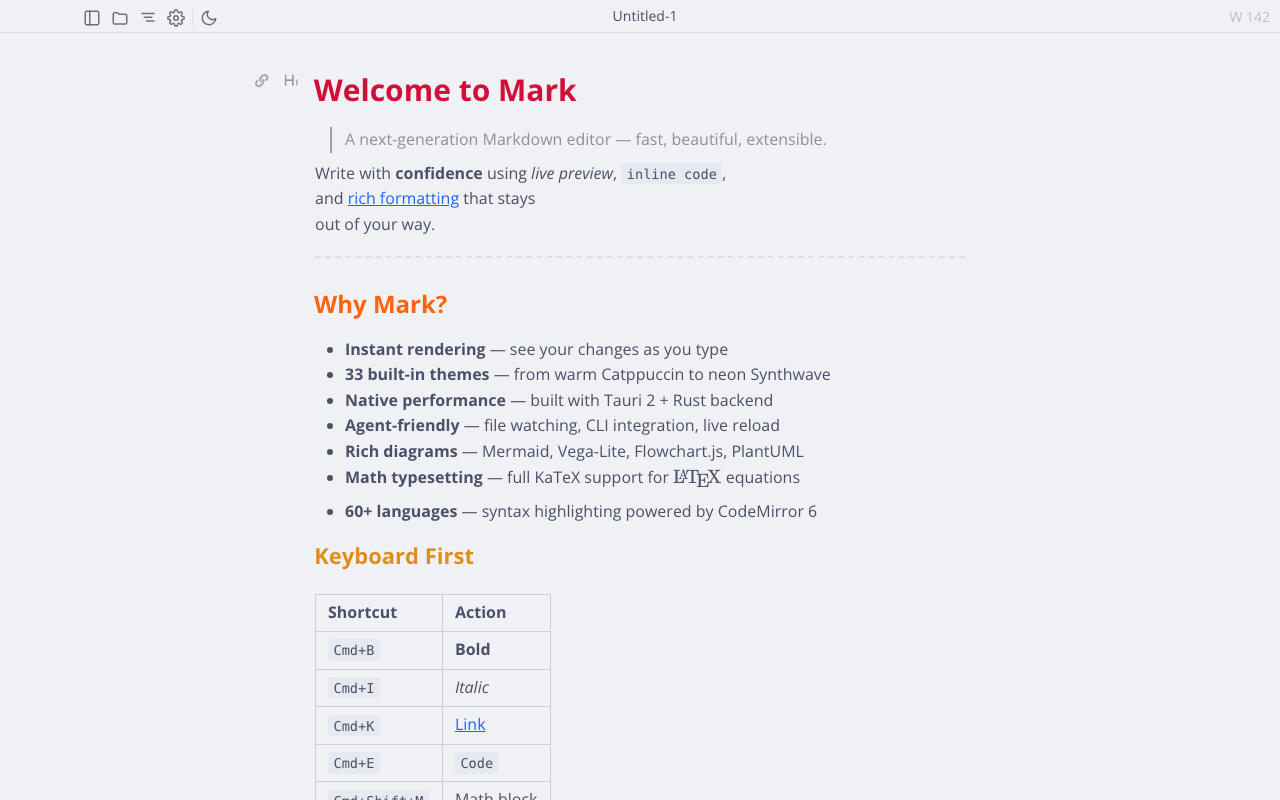
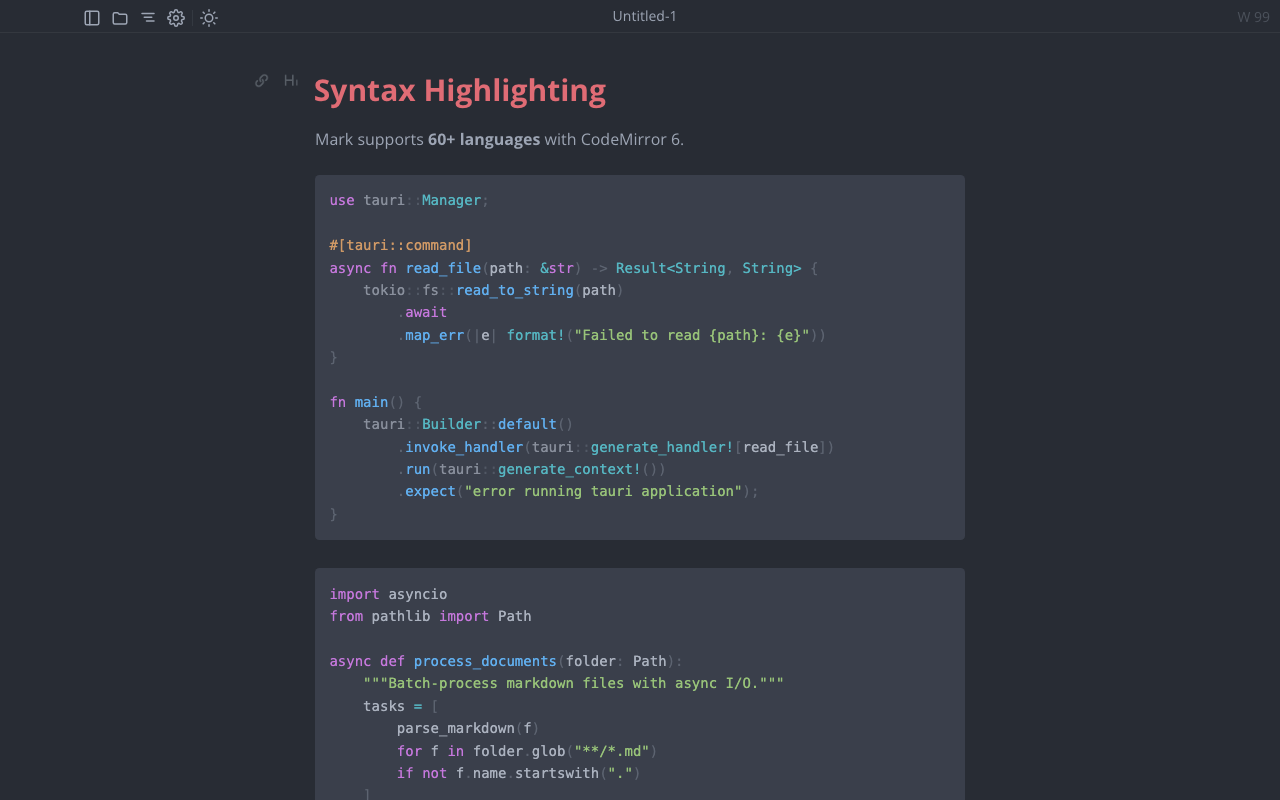
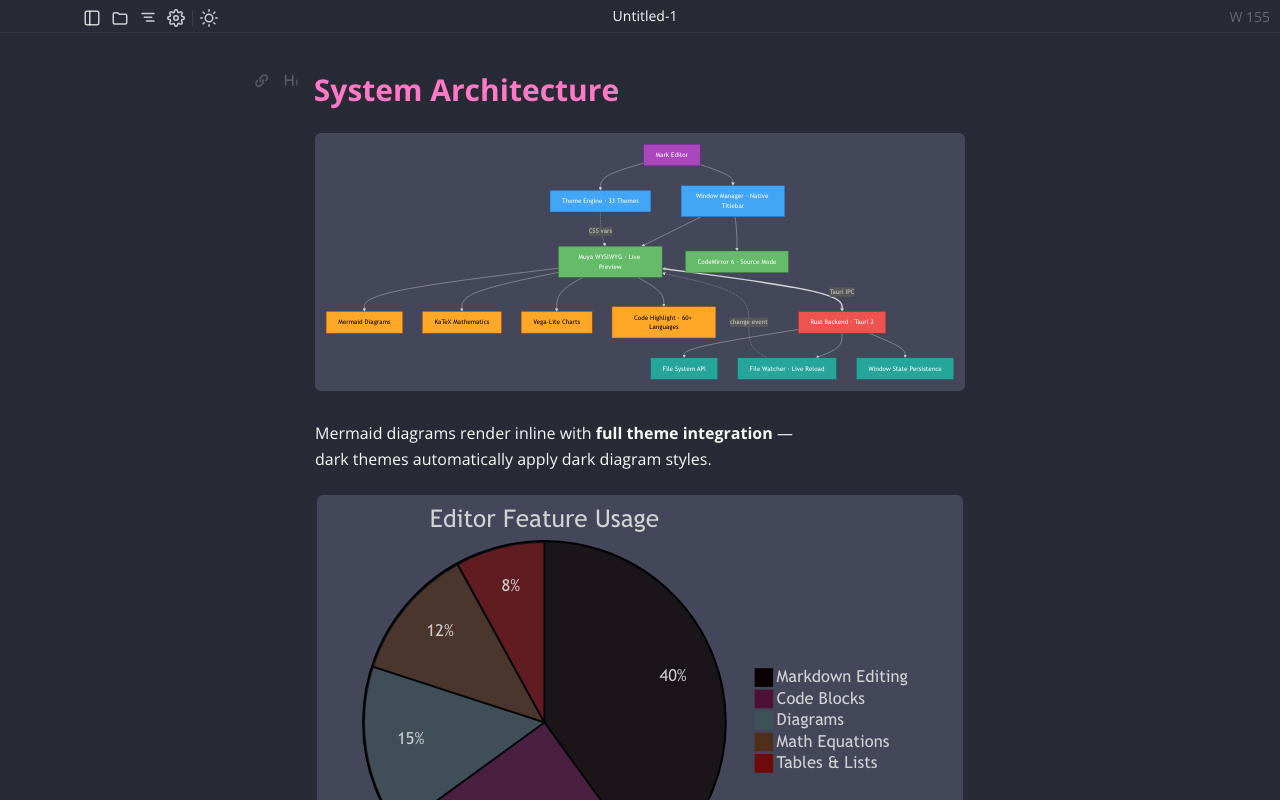
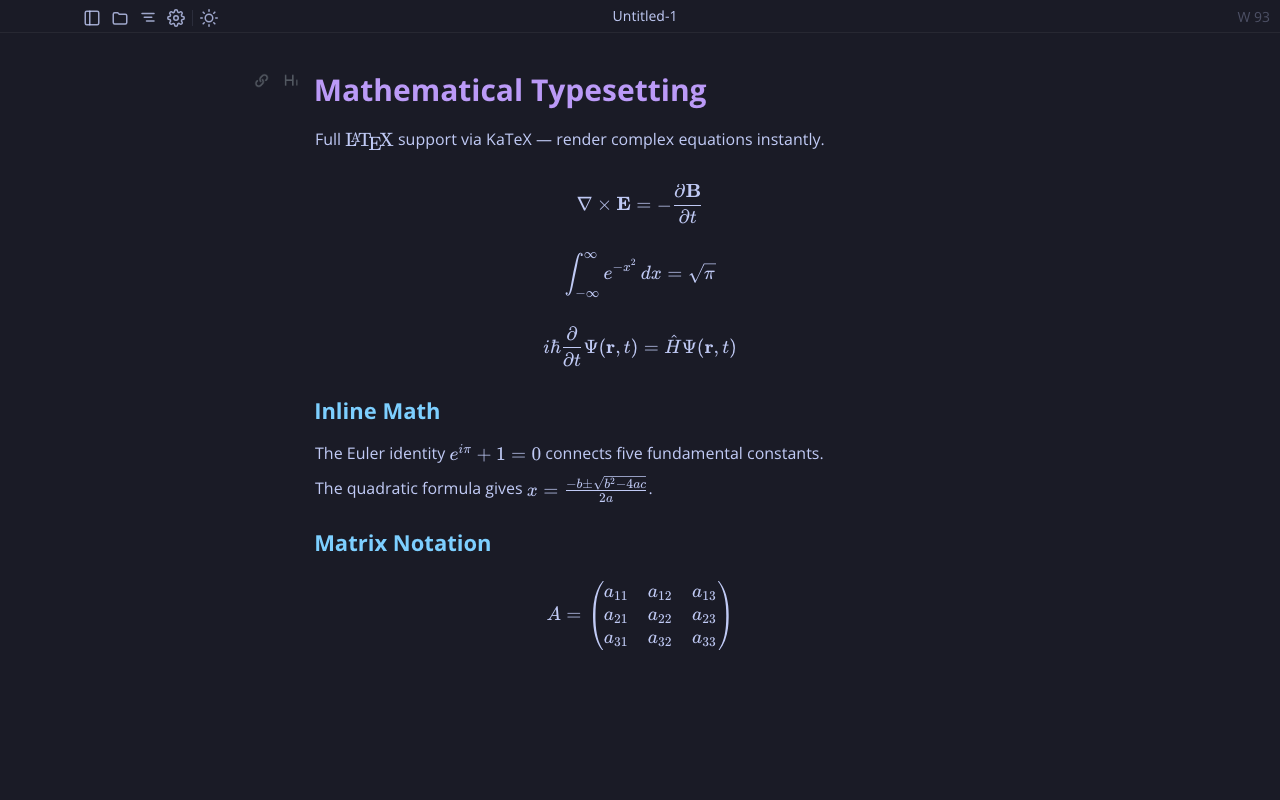
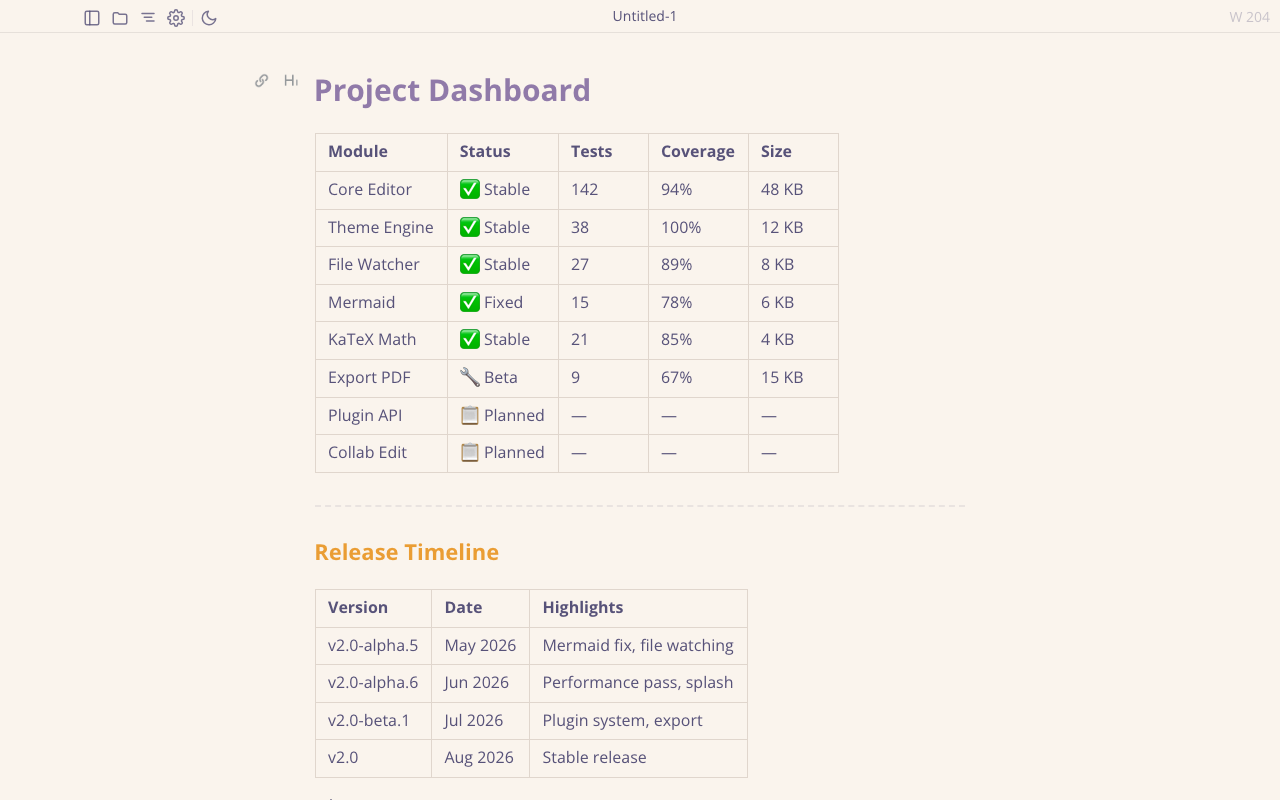
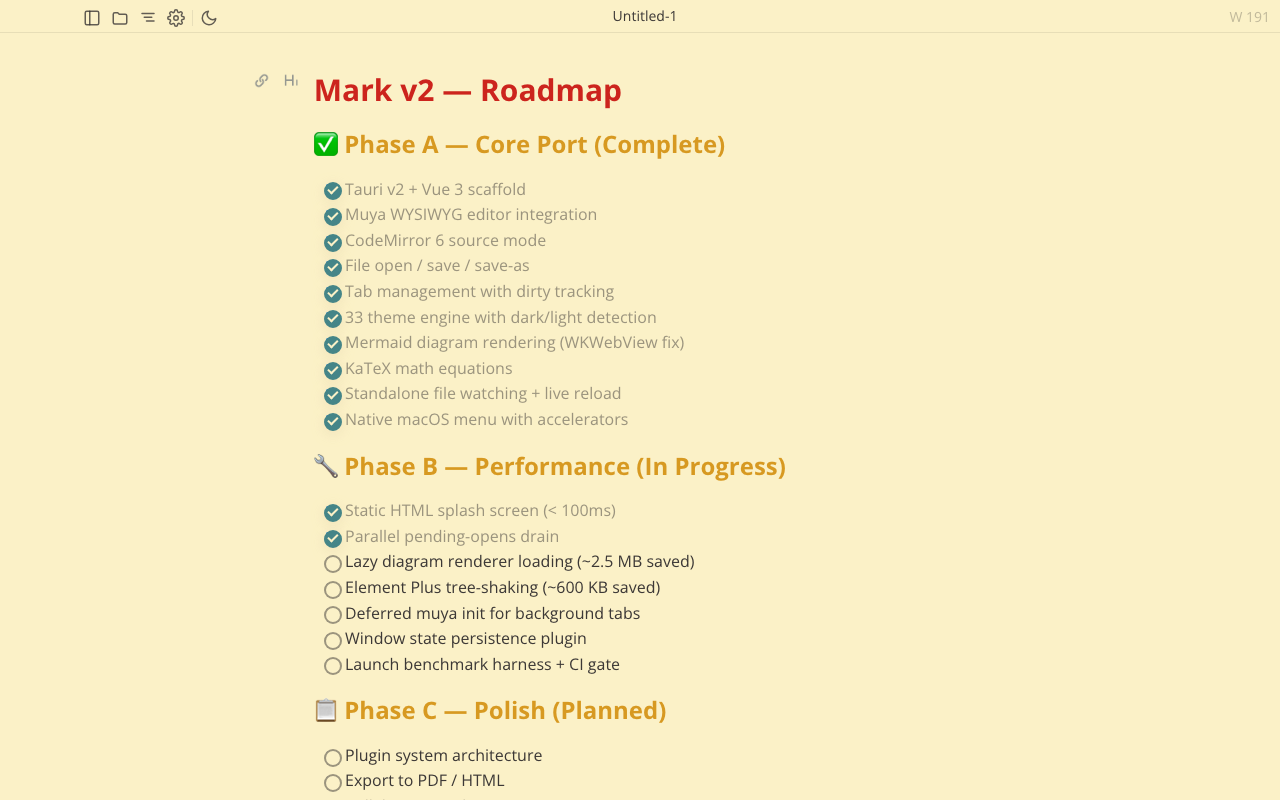
Everything an agent puts in a .md file.
Rendered in place, in one pane. No split preview, no export step.
A small app with the right parts.
For the agent loop
- Live reload
- External edits appear as they land. Run
mark --watch plan.mdfrom any script. - Inline diff
- ⌘D compares against git HEAD or a
.beforefile, so you see exactly what the agent changed. - Unsaved work stays safe
- A reload never overwrites a tab you are still editing; you choose to save, discard or keep it.
For reading
- 33 themes and custom CSS
- Light, dark and everything between, synced across windows.
- Preview mode
- Double-click a .md file in Finder and it opens read-only. Make Mark the default handler if you like.
- Folders and search
- A sidebar file tree, tabs, and find across a whole folder.
For your Mac
- Native, not Electron
- Tauri and the system WebKit view, a real menu bar, system spell-check, proper shortcuts.
- Signed and notarized
- Developer ID signed, notarized by Apple, updated through Homebrew.
For your files
- No account, no telemetry
- Nothing leaves your machine. Files stay plain Markdown on disk.
- Open source
- MIT licensed, built on the Muya engine from Mark Text. Read the code on GitHub.
Install in one line.
Homebrew keeps Mark updated. Paste this into Terminal.